Confirm the hive in front of you
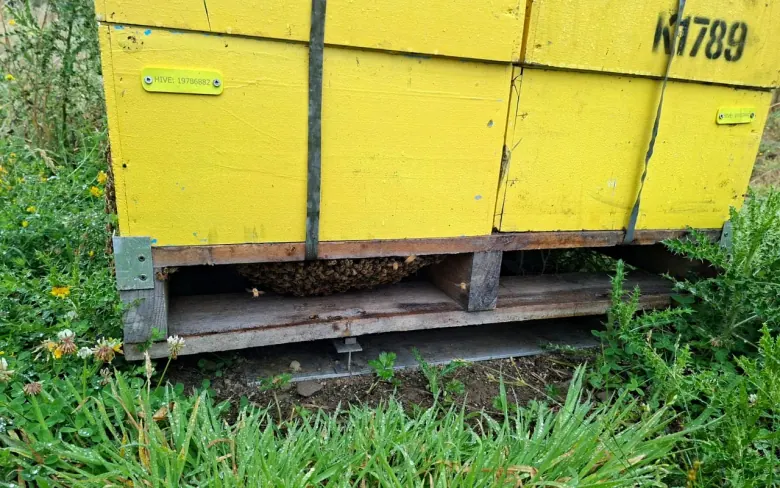
The yellow tag anchors the visit to the right colony, box, or pallet so the record follows the physical thing the crew is working on.
Field workflow chapter
The ApiBuzz app is the mobile field layer of BuzzTech ApiaryOS. It gives hive tags, colony history, inspection state, follow-up actions, map context and landowner communication one shared place to work from before records move into reports, stock and proof.
Start with a ready-to-run app and tag setup, or work with BuzzTech to shape ApiBuzz around your own operating language, reports, crew process, and brand.
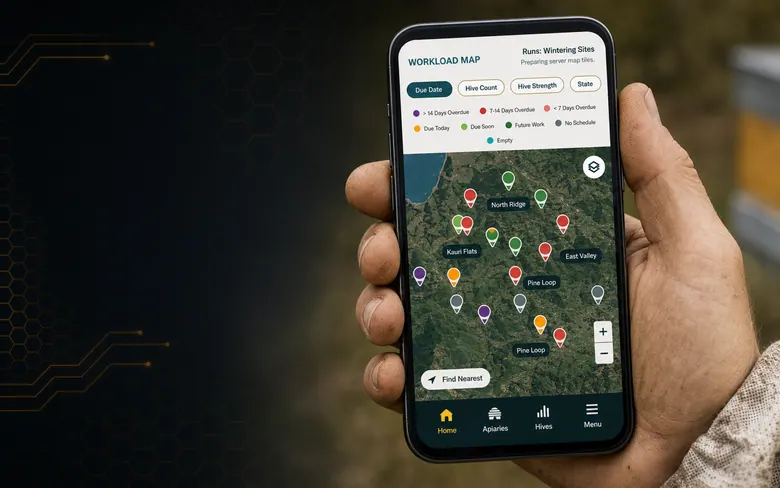
The field operating loop
ApiBuzz starts with the hive in front of the beekeeper, then carries the state call, next action, and follow-up record back into ApiaryOS so managers can see what changed instead of chasing loose notes.
The yellow tag anchors the visit to the right colony, box, or pallet so the record follows the physical thing the crew is working on.
State guidance, clues, prior notes, and hive history help the beekeeper describe the colony in a language the whole operation can understand.
Feeding, recheck dates, queen concerns, treatment, inventory changes, photos, and staff notes become part of the same operating record.
Apiary summaries, activity logs, due dates, report history, and map indicators show which hives improved, stalled, or still need work.
Durable yellow field tags
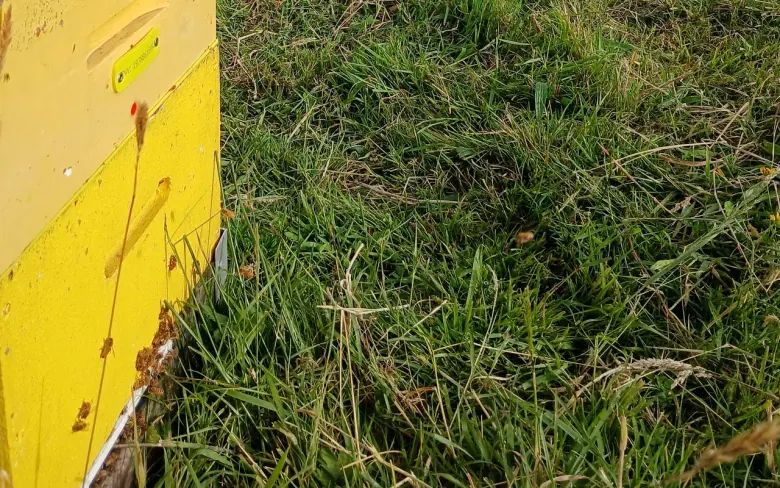
ApiBuzz is powerful because every useful record is tied back to something physical in the field. BuzzTech yellow tags give hives, inventory, and pallets a clear identity that crews can see, scan, move, and reconcile.
That matters when boxes are stacked, hives are split, pallets are shifted, gear is reused, or staff are working fast in different yards. The tag keeps the thing you are looking at connected to the right history.
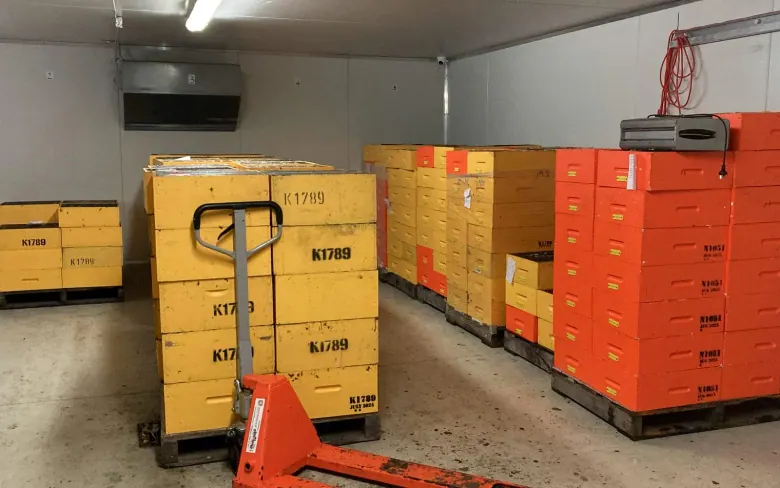
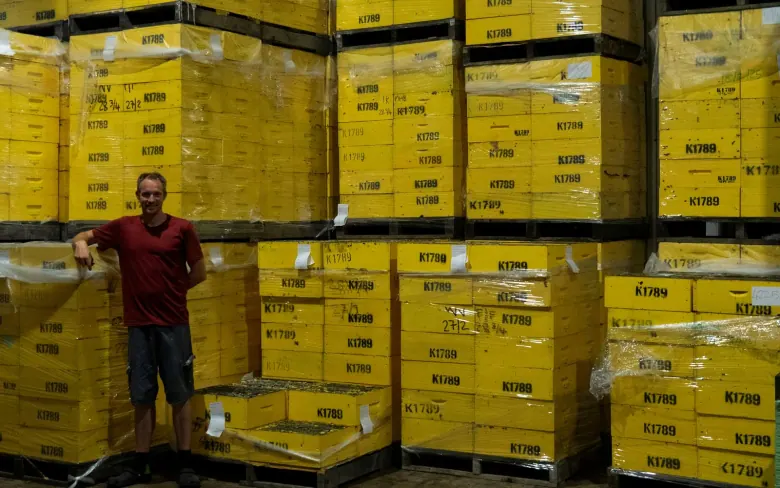
Identity follows the work
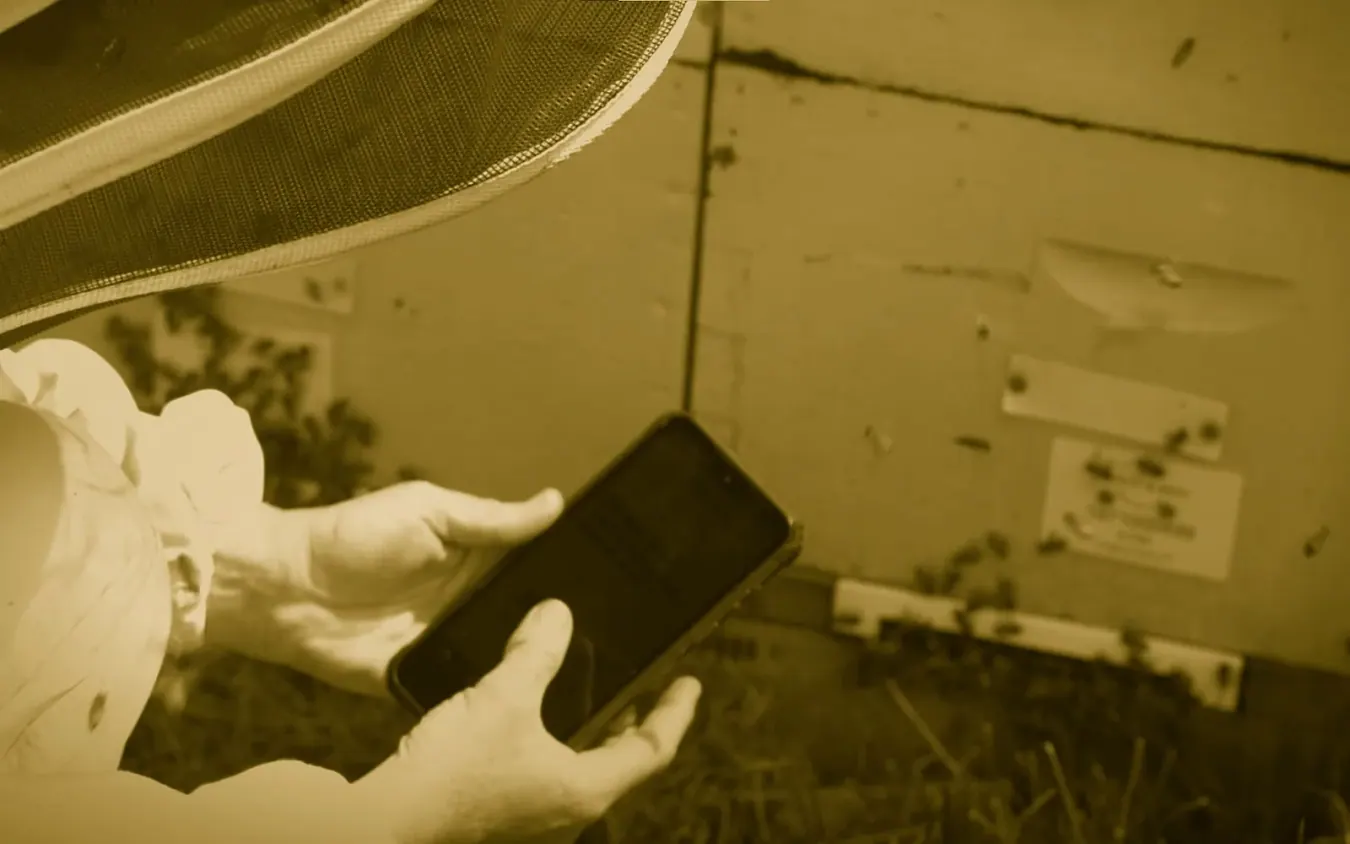
ApiBuzz is not only about recording an inspection. It is about keeping the physical thing in front of the beekeeper connected to the right history, movement, state, owner contact, and next action.
Start with the right trial
Start with a focused review of your field workflow. We help you choose the smallest useful trial, identify where follow-up is getting loose, and show how ApiBuzz, hive tags, and the wider ApiaryOS layer would tighten the loop.
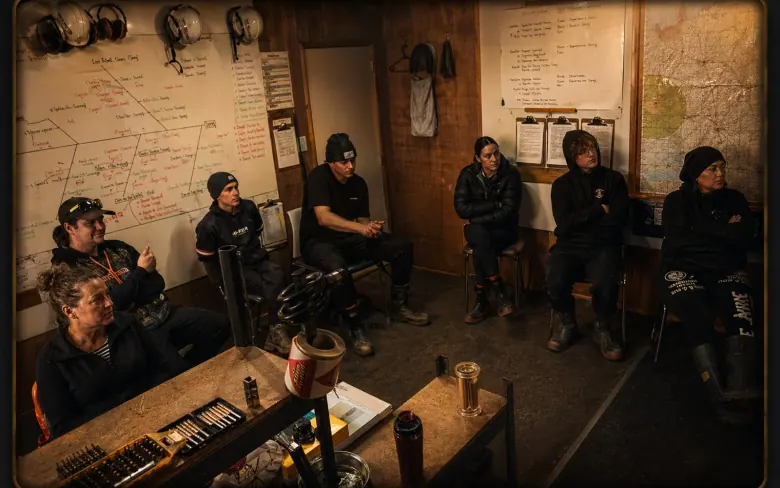
App pilots work best when the team agrees what should be captured.
Practical field features
ApiBuzz already has the kind of practical details that matter in the yard: contact shortcuts, direction launchers, reusable templates, previous-note history, copy-to-hive workflows, scan flows, and safeguards for confusing hive identity issues.
Apiary markers can summarize strong, medium, weak, state green, orange, red, purple, unknown, and live hive counts so the map becomes a planning surface.
Apiary contact screens reduce friction by putting landowner communication and site directions next to the apiary record.
Message templates can be filled with the beekeeper, company, landowner, and apiary details, then handed to the phone SMS app.
Hive notes, apiary notes, hazards, and gear history are brought into the inspection so crews can act with context.
Multiple-apiary hive alerts, disposed-hive sync handling, entity conflicts, data issue screens, and tag reassignment flows protect record trust.
Copy previous inspections or selected sections across hives so repeated information is reused without burying important differences.
Specialist workflow
The operator should not start by choosing a form. They scan the hive, see the context, then run the assay workflow when the brood and purpose are right.
The assay is anchored before any cell result is entered.
The app carries the stop rules, sample count and brood outcome prompt.
Queen source, yield and treatment history remain visible for later selection.
Results roll into reports instead of living as isolated science notes.
Built for field decisions
The same tag-backed record is useful at different scales: it helps crews make consistent calls, gives smaller operators a reliable hive memory, and gives managers proof of what needs attention next.
Use ApiBuzz and hive tags to standardise state calls, find repeat poor performers, tighten follow-up, and prove which actions changed colony performance.
Keep each hive's history, queen concerns, feeding, brood pattern, notes, and next action in one place so inspections become calmer and more useful.
See which apiaries are improving, which staff calls need coaching, and which hives keep absorbing labour without returning value.
Two ways to start
Some teams want ApiBuzz to work straight away. Others already have an established way of working and want software that reflects their language, reporting, brand, and staff process. BuzzTech can support both inside the wider ApiaryOS system.
For operators who want to get started quickly with a proven field workflow, ApiBuzz access, hive tags, state-based inspections, apiary maps, reports, and follow-up structure.
For larger operators who want ApiBuzz and the wider ApiaryOS layer adapted to their own terminology, management rules, reports, onboarding process, or customer-facing brand.
Find the right app path
Tell us how your team works now and what you want ApiBuzz to improve first. We can help you choose between a ready-to-run setup, a focused field trial, or a custom operator version built around your own workflow, brand, and reporting needs.